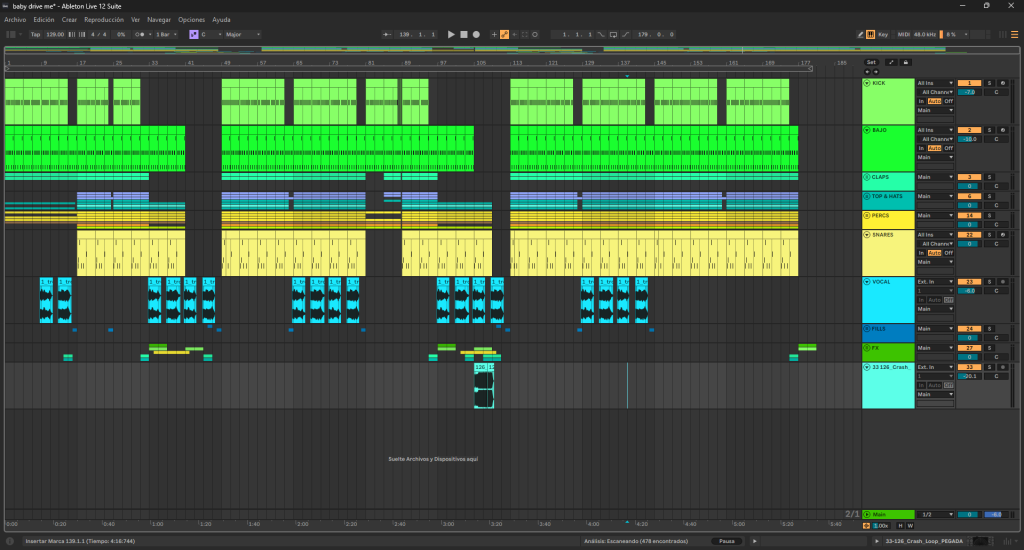
How It Was Made: Alex Steve – “Baby Drive Me” (Sound D’Elite / Tech House)
Valencia’s Alex Steve opens 2026 with “Baby Drive Me,” a groove-focused cut that reflects his steady evolution inside the tech house and deep tech circuit. Released via Ilario Alicante’s Sound D’Elite, the track leans into tight drums, controlled low-end, and functional club energy without overcomplicating the arrangement.
Having started producing at 12 and refining his approach across labels like Mood Child, Cocoa, Recreo Label, and Muted, Alex has developed a workflow that prioritizes clarity, rhythm, and dancefloor translation.
In this How It Was Made breakdown, Alex walks through the core tools behind the record, from the low-end design built around SubBoomBass 2 to creative MIDI experimentation with Sting. He also shares practical advice for producers working in groove-driven genres, focusing on percussion interplay, sound selection, and feel.
Below, he details the exact plugins, techniques, and mindset that shaped “Baby Drive Me.”
SubBoomBass 2
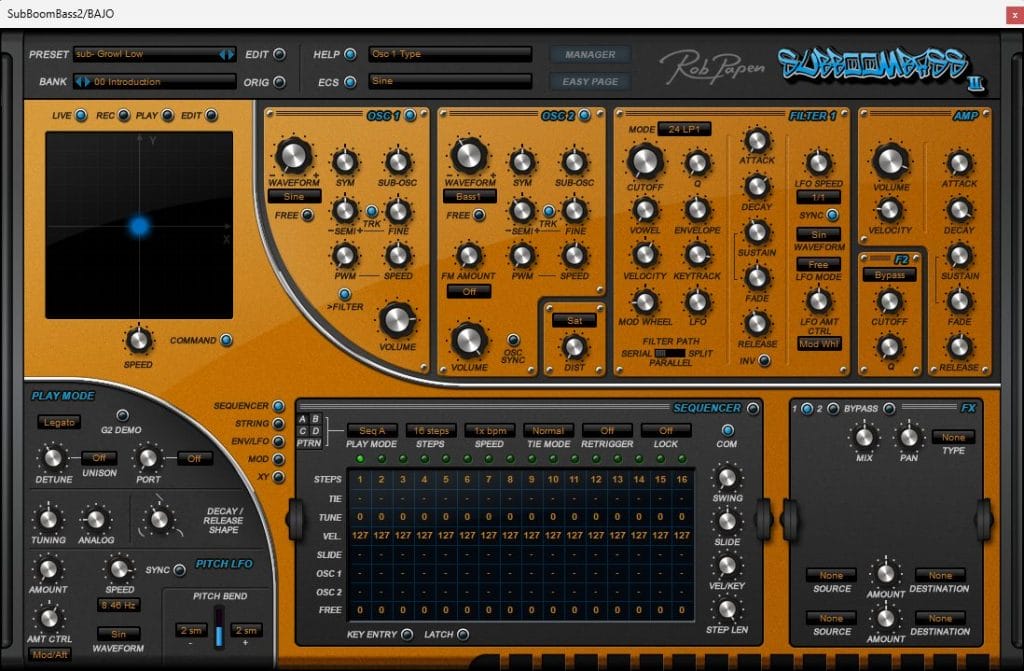
SubBoomBass 2 is a dedicated bass synthesizer designed specifically for creating powerful and controlled low-end. It combines multiple oscillators with a wide range of bass-focused waveforms, making it ideal for sub-heavy genres like tech house and minimal. The plugin is very straightforward but surprisingly flexible, allowing you to sculpt everything from clean subs to gritty bass textures. Its layout encourages quick sound design without overcomplicating the process.
For this track, I used the preset Sub-Growl Low as a starting point, but I made a few key changes to better fit the groove. I switched Oscillator 1 to a pure Sine wave to keep the sub clean and solid, while Oscillator 2 was set to Bass 1 to add some mid-range character. To create space for the kick, I applied Kickstart for a simple but effective sidechain. Finally, I ran the bass through Ableton’s Drum Buss to add extra harmonics and punch, helping it translate better on larger systems.
For producers working in tech house or minimal, SubBoomBass 2 is a great tool for building a bass that feels both heavy and controlled. My main advice is to keep the sub oscillator as clean as possible and let additional layers add character instead of distortion. Using sidechain tools like Kickstart can really help lock the bass into the groove without overthinking compression. A touch of saturation or Drum Buss-style processing can go a long way in making the bass feel alive while still staying tight.
Sting
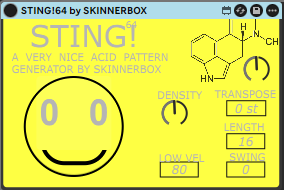
Sting is a creative MIDI-based plugin designed to generate random melodic patterns and basslines. It works by producing evolving note sequences that can easily spark new ideas when starting a track. One of its strongest features is the ability to record these random patterns directly into MIDI or audio. This makes it a powerful tool for fast idea generation and breaking creative blocks.
In this track, I used Sting to create the initial bass melody by experimenting with its random pattern generation. I didn’t follow any strict rules—I simply kept tweaking settings until something interesting came out. Once I found a pattern that felt right, I recorded it to MIDI and started editing it manually to fit the groove of the track. This workflow allowed me to keep the spontaneity of the plugin while still shaping the bassline to my own style.
For producers making groove-based electronic music, Sting can be a great way to escape repetitive basslines. I recommend using it more as a sketching tool rather than a final solution. Record several variations, then edit and simplify them to keep the groove tight and dancefloor-focused. Sometimes the most interesting bass ideas come from happy accidents, and Sting is perfect for creating those moments quickly.
Quick Tips For Making Music
Tip #1
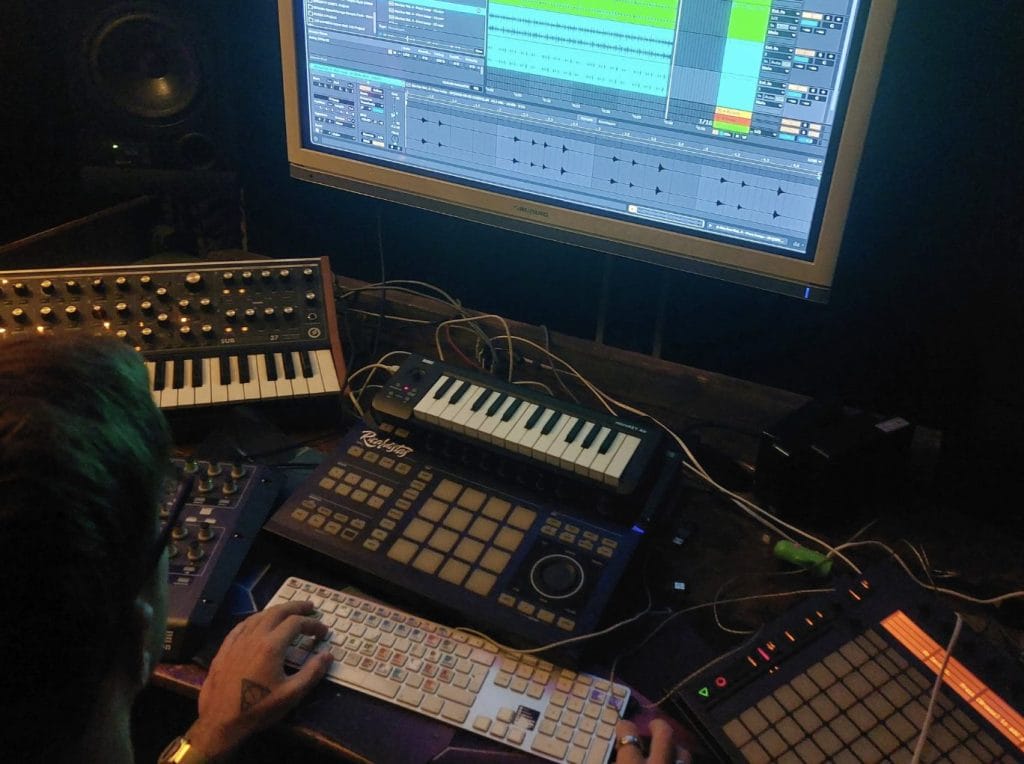
When making a groovy track like Baby Drive Me, spend extra time on your percussion. Layer different rhythmic elements and let them interact with each other in a natural call-and-response flow, not just between two sounds but across the whole groove.
Tip #2
Sound selection makes a bigger difference than people think. Many tracks share similar rhythms, but choosing clean, well-shaped sounds that sit comfortably in their frequency range is what really makes a track feel polished.
Tip #3
Focus on feel over complexity. A simple idea with the right swing, timing, and groove will always work better on the dancefloor than an overproduced arrangement.