Best MIDI Controllers for Hybrid Studios: Streamline Your Workflow
The best MIDI controllers for hybrid studios need to control software instruments without treating external hardware as an afterthought. A controller can feel complete beside a laptop, then expose its limits as soon as a hardware synth or drum machine enters the setup. USB covers the computer connection, while five-pin MIDI lets the controller communicate directly with instruments that cannot host a USB device on their own.
That difference becomes increasingly important as the studio grows. A controller may handle one synth without any trouble, though several instruments quickly introduce questions around MIDI channels, clock distribution, and port count. CV and gate connections deserve attention as well when semi-modular equipment forms part of the setup.
Best MIDI Controllers for Hybrid Studios at a Glance
| MIDI controller | Main format | Best fit | Hybrid-studio advantage |
|---|---|---|---|
| Ableton Push 3 | Pad controller and standalone workstation | Ableton-centered studios | Audio, MIDI, and ADAT connections |
| Akai Professional APC64 | Pad controller and sequencer | Hardware and modular sequencing | MIDI plus eight CV/gate outputs |
| Native Instruments Kontrol S49 MK3 | 49-key keyboard | Software-heavy hybrid studios | NKS control and MIDI 2.0 |
| Novation Launchkey 25 MK4 | Compact keyboard | Smaller hybrid studios | Five-pin MIDI output |
| Ableton Move | Portable pad controller | Hardware sequencing away from the desk | MIDI output and standalone operation |
| Novation Launch Control XL 3 | Knob and fader controller | Mixing and hardware parameter control | MIDI In, Out, and Thru |
Ableton Push 3 Standalone
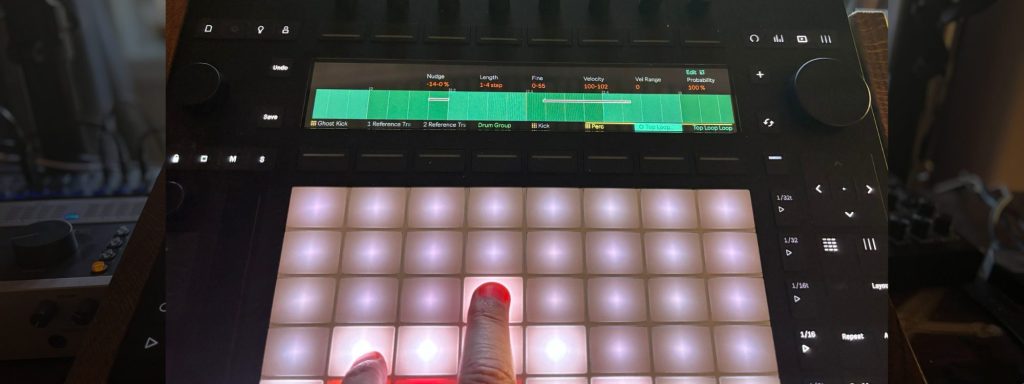
The Ableton Push 3 is my first recommendation for a hybrid studio where Ableton Live remains the main production environment. Its MPE pads let producers play software instruments with pitch, pressure, and note-level expression, while the standalone model can run compatible Live devices without a computer.
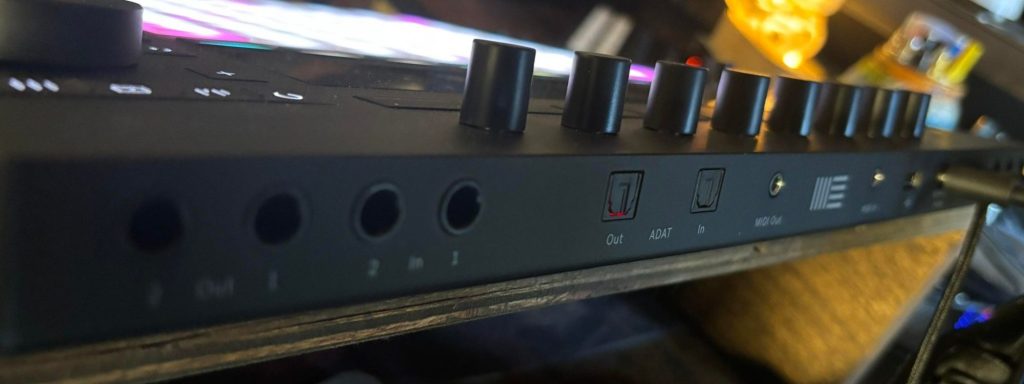
MIDI In and Out allow Push to sequence external synths, and the onboard audio connections let it record those instruments back into a Set. ADAT support adds another route for expanding the system when a studio already uses an external converter or preamp.
Akai Professional APC64
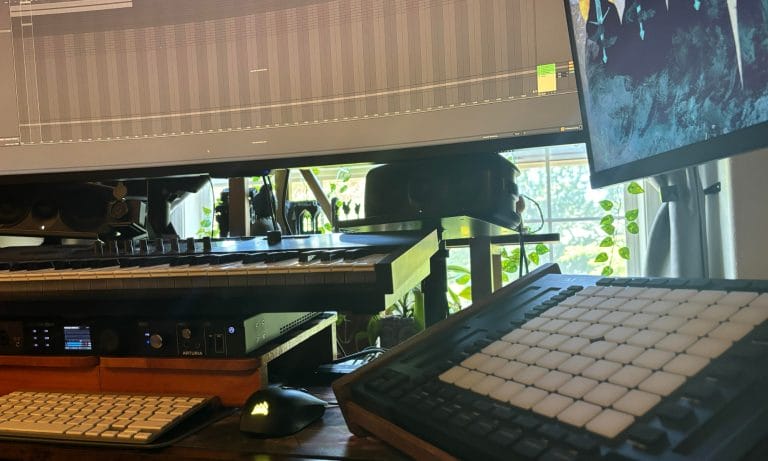
The Akai Professional APC64 is the controller I would choose when modular hardware and Ableton need to share the same sequencer. Its onboard eight-track, 32-step sequencer can operate with Live or independently, which keeps external hardware playable when the computer is turned off.
Native Instruments Kontrol S-Series MK3
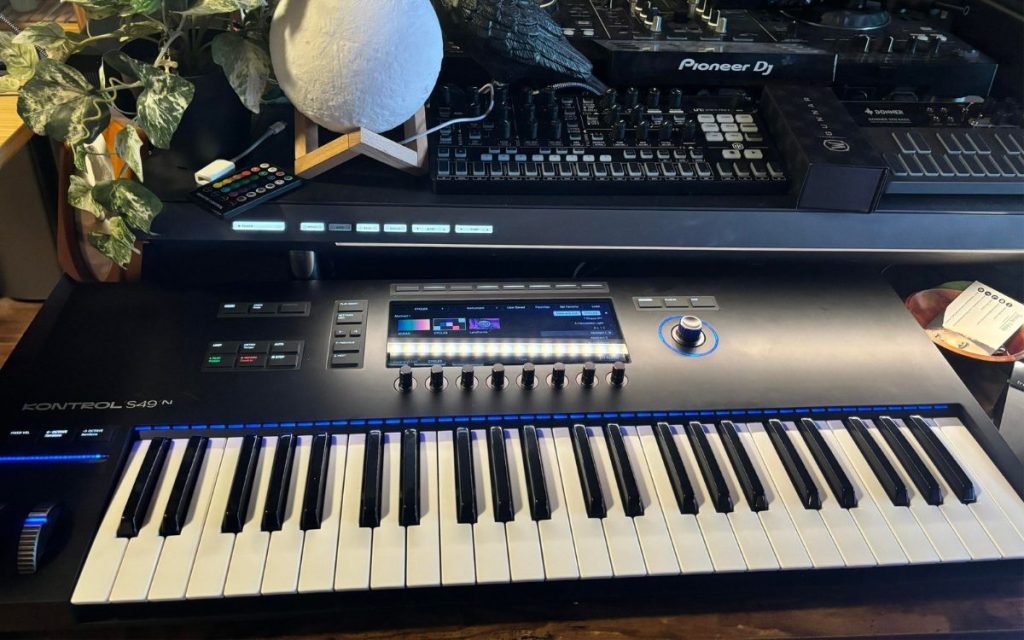
The Native Instruments Kontrol S49 MK3 fits a hybrid studio where software instruments handle most of the writing and hardware provides selected parts. Its semi-weighted keybed supports polyphonic aftertouch, which gives compatible software instruments far greater expression than a standard velocity-sensitive keyboard.
Novation Launchkey 25 MK4
The Novation Launchkey 25 MK4 is my compact recommendation for producers who need DAW control and a direct five-pin MIDI connection without filling the entire desk. Its 25 full-size keys provide enough room for bass lines, lead parts, and shorter chord performances while keeping the controller narrow enough to sit beside desktop synths.
Ableton Move
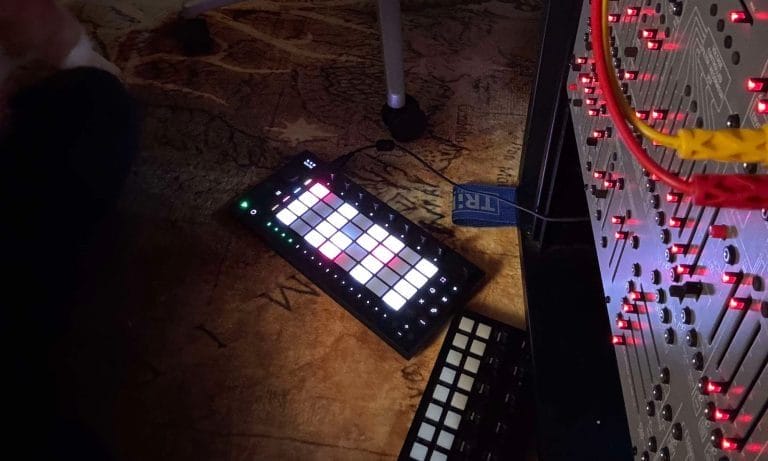
Ableton Move is the controller I reach for when I want to sequence hardware without loading my main studio setup. During my review, I connected its MIDI output to my Behringer 2600 and used Move to create straightforward arpeggios without opening Ableton Live.
Novation Launch Control XL 3
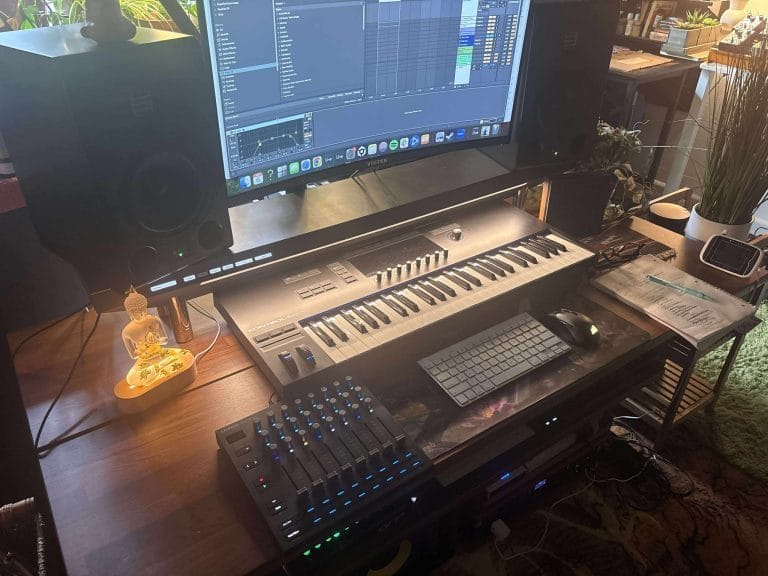
The Novation Launch Control XL 3 is my recommendation for producers who already have a keyboard or pad controller and need deeper parameter access. Eight faders, 24 encoders, and 16 buttons provide enough physical control for mixer channels, software instruments, or MIDI-mapped hardware.