VocAlign 7 vs. SyncVX: Choosing the Right Vocal Alignment Tool
I’m happy to spend time getting a vocal right, but manually moving the same consonant across six backing tracks is the kind of editing I’d rather have software handle. The decision gets harder when several plugins promise to save that time. I want to know what each one can correct, how much control I have over the result, and whether buying the cheaper edition leaves out something I’ll need.
VocAlign 7 vs. SyncVX at a Glance
That’s where the VocAlign 7 vs. SyncVX debate needs some digging. LANDR recently updated VocAlign 7 Standard Pro to help with timing, and the Pro model can add pitch matching and a connection to RePitch 2 Standard. Waves Sync Vx includes timing and pitch alignment in one product, so the closest comparison depends on which VocAlign edition you’re considering and what your basic audio-editing needs are—not just for vocals, but for guitars and other multi-track recordings too.
Waves styles its plugin name as Sync Vx, although searches often use SyncVX. VocAlign 7 comes in Standard and Pro editions, so comparing Sync Vx exclusively with Standard leaves out an important part of the decision. The most important distinction here is pitch matching. If you want supporting vocals to follow the lead’s pitch as well as its timing, VocAlign 7 Pro and Sync Vx are the closer comparison. Standard remains relevant when you only need to correct timing.
What Does Vocal Alignment Software Do?
Vocal alignment software compares a reference performance with another recording and adjusts timing so corresponding phrases occur together. For a lead and two doubles, that might mean bringing the opening consonants closer together and correcting a double that finishes a word late. Pitch matching, where available, adjusts the relationship between the reference pitch and the supporting recording.
That differs from choosing notes for the lead vocal. If the lead contains a tuning mistake, matching a double to it does not establish that the lead note is correct. I would settle the lead performance first, then decide which timing and pitch characteristics the supporting takes should follow.
What Changed in VocAlign 7?
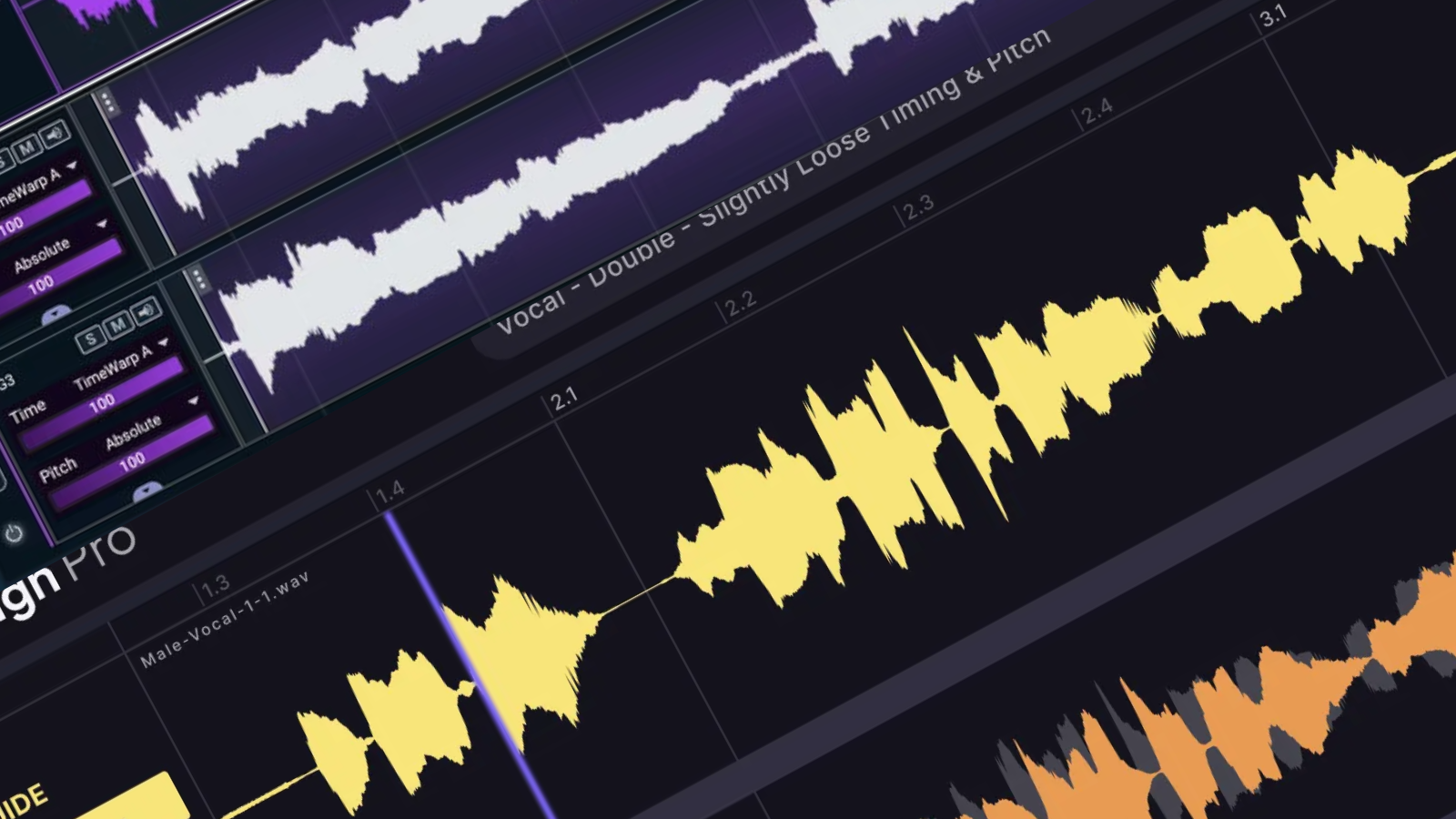
VocAlign 7 introduces a shared multitrack workspace for managing vocal recordings together. Producers can assign reference and supporting tracks, process multiple layers in one operation, and adjust timing across the stack or within individual tracks and clips. Visual energy analysis adds an on-screen way to inspect timing relationships.
That is the change I’d look at first when upgrading from older versions of the software. Imagine a chorus with doubles, high harmonies, low harmonies, and octave parts; a shared display lets you assess those recordings together while making targeted adjustments to a particular phrase.
Should You Choose VocAlign 7 Standard or Pro?
VocAlign 7 Standard is the option I would consider when pitch editing is already handled elsewhere and the remaining work consists of tightening doubles and backing parts. VocAlign 7 Pro adds SmartPitch, formant adjustment, transpose, Sync Points, and Protected Areas. SynchroLink 2.0 connects it with RePitch 2 Standard so changes in the pitch editor are reflected in VocAlign.
How Does Waves Sync Vx Compare?
Sync Vx brings reference vocals and supporting recordings into one window, with timing and pitch adjustment available globally, per track, or per region. Waves specifies a maximum of 16 tracks, including the references, with up to four reference tracks. Its detailed editing functions include Sync Markers for local timing adjustments and bypass selections for passages you want to leave untreated.
For a chorus with two doubles and several harmonies, I would put Sync Vx on the shortlist alongside VocAlign Pro. If you’re looking for something more ready to rock right out of the box, VocAlign is a quick and easy Swiss Army Knife to solve things fast and efficiently.
Workflow and DAW Compatibility
Current VocAlign 7 documentation describes a workflow for DAWs without ARA, including Ableton Live and FL Studio. Waves also supports Sync Vx as a regular insert, alongside ARA and Pro Tools AudioSuite workflows. For my Ableton-based production, I would test capture, playback, exporting, and reopening the project before buying. Compatibility is the first check; the amount of work needed to finish an edit is the next.