Loopcloud 8 Update: New AI-Powered Features and iOS Integration
I’ve used Loopcloud for years, and one reason I keep recommending it is how easily it lets me audition samples in the context of what I’m writing. Being able to lock sounds to the key and tempo of an Ableton project, keep several collections open, and experiment with audio before committing to a purchase takes care of several small tasks that can otherwise consume a surprising amount of production time.
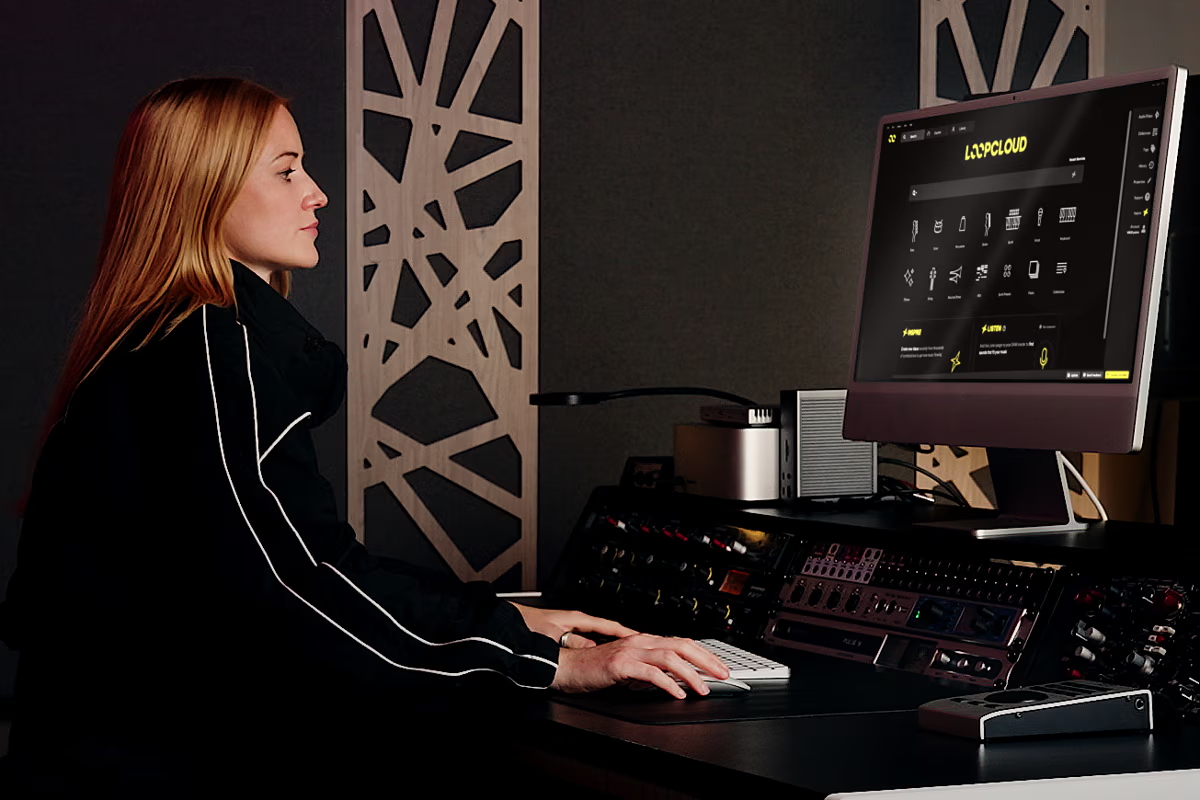
Loopmasters has now released Loopcloud 8, an extensive update that introduces new ways to search, arrange, and manipulate samples. The October 22 release adds two headline features called Inspire and Listen. Inspire generates starting arrangements using samples, chords, and drums based on a selected genre, while Listen analyzes music already playing inside a DAW and recommends additional sounds that fit its harmonic content. The update also includes natural-language search, five new effects, expanded sample manipulation, improved MIDI playback, updates to Loopcloud’s DRUM and PLAY instruments, and the company’s first dedicated iOS application.
Inspire and Listen: Intelligent Sample Selection
Inspire and Listen approach sample selection from different points in the production process. Inspire is designed for producers beginning a new track; you select a genre, and Loopcloud assembles a starting arrangement containing samples, chords, and drums. The intention is to provide something musical to react to before opening a conventional DAW arrangement and programming every element manually.
Listen, meanwhile, analyzes the harmonic content of your project to recommend compatible basslines, leads, loops, and one-shots. Crucially, it searches a producer’s imported sample collection rather than limiting recommendations to the commercial Loopcloud catalog. This is a significant advantage for producers who have accumulated years of personal recordings and edited audio.
Advanced Search and Expanded Editing
Loopcloud 8 also introduces Advanced Search, which allows producers to describe the type of sound they want using ordinary language. Whether you are looking for a “warm analog bassline” or a “vinyl-textured hip-hop drum loop,” the system interprets the description and returns relevant results. This complements the platform’s expanded Flip feature, which now includes 2,000 preset transformations for slicing, reversing, and resequencing audio.
The update also brings five new effects to the audio editor: Gator, Looper, Utility, Chorus, and Bitcrush. These tools allow for sophisticated processing of both commercial samples and your own personal library before they ever reach your DAW.
Mobile Integration
Another major addition is Loopcloud’s first iOS application. The app supports Inspire, sample browsing, audio previews, and the creation of collections that synchronize with a user’s account. This allows producers to search the catalog and generate ideas while away from their primary computer, ensuring that inspiration can be captured whenever it strikes.